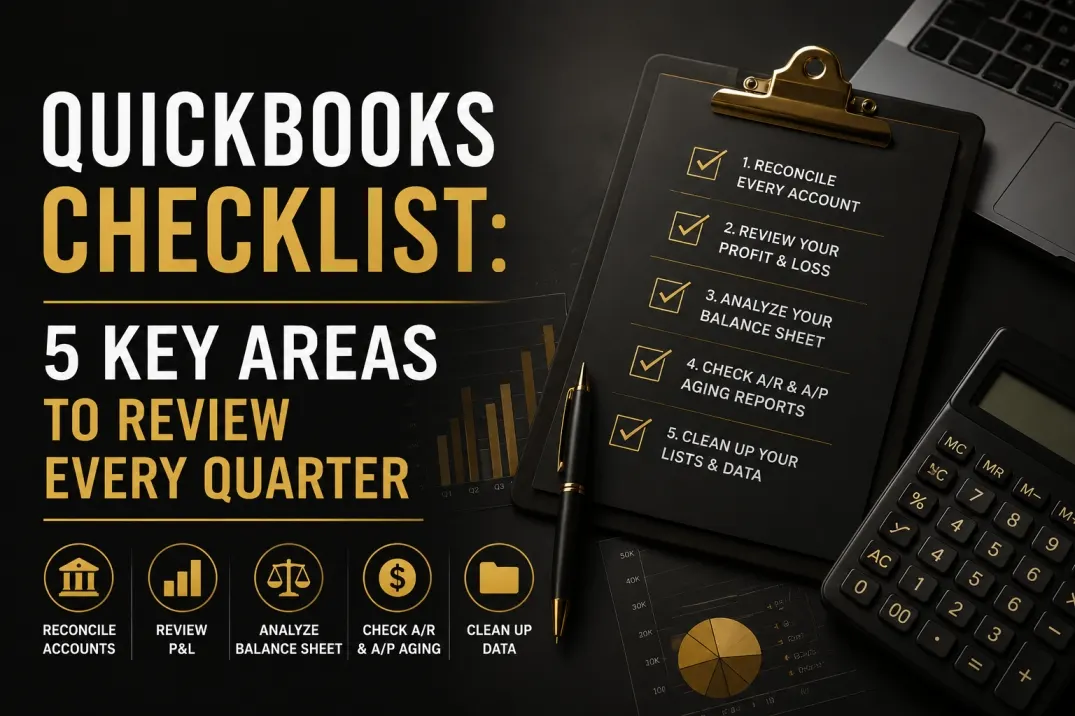
For a small business owner, following a QuickBooks checklist every quarter is just as important as keeping up with your own annual health check-ups. Your company’s financial health is critical to its long-term success. Too often, bookkeeping falls to the bottom of an endless to-do list, only to become a source of major stress when tax time arrives or a loan application is due. The good news is that staying on top of your financials doesn’t have to be an overwhelming annual marathon. By implementing a quarterly review with a QuickBooks checklist , you can turn a monumental task into a manageable, routine process.
Think of it as a proactive wellness plan for your company. A consistent, quarterly review of your QuickBooks data provides a clear picture of your business’s performance, helps you spot potential issues before they become crises, and empowers you to make strategic decisions based on accurate data, not guesswork. This guide provides a straightforward QuickBooks checklist covering five essential areas to examine every three months to ensure your financial foundation is solid.
Why a Quarterly Review is Non-Negotiable
Before diving into the checklist, let’s establish why this quarterly rhythm is so powerful. A once-a-year scramble to clean up your books is reactive; a quarterly review is proactive. It allows you to:
- Catch Errors Early: A simple data entry mistake in January can snowball into a significant problem by December. Catching it in March is a quick fix that saves hours of forensic accounting later.
- Improve Cash Flow Management: Regularly analyzing who owes you money and who you owe helps you maintain a healthy flow of cash, the lifeblood of any small business.
- Make Informed Decisions: Should you hire a new employee? Invest in new equipment? Launch a new marketing campaign? Your P&L and Balance Sheet hold the answers, but only if they are current and accurate.
- Stay Tax-Ready: A clean set of books makes tax preparation infinitely smoother and less expensive. Your accountant will thank you, and you’ll avoid the panic of hunting for receipts and reconciling a year’s worth of transactions at the last minute.
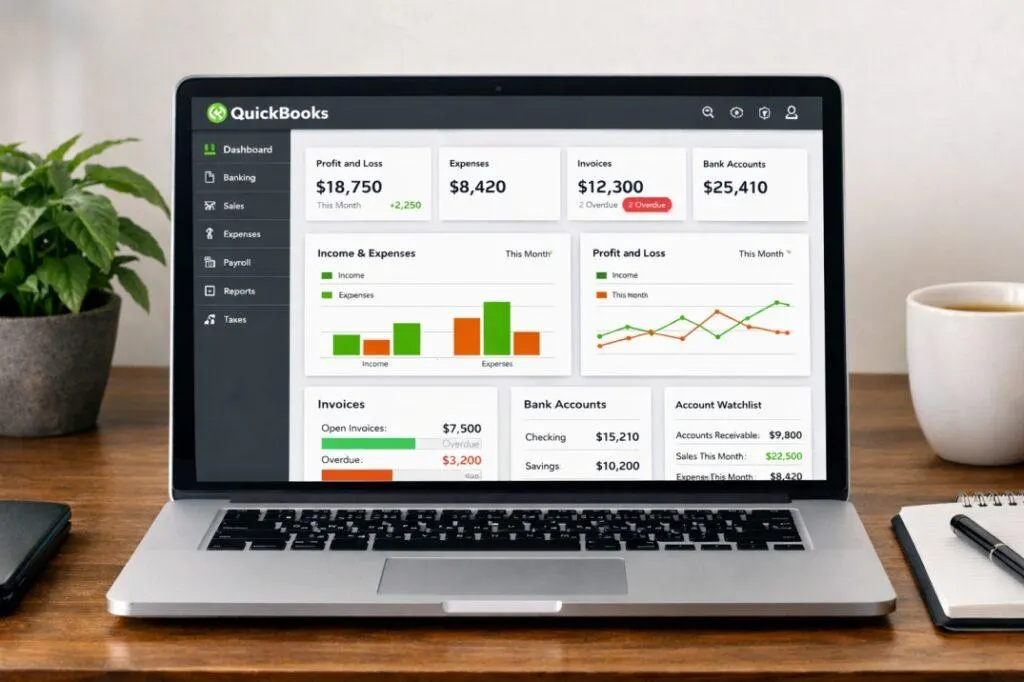
The 5 Key Areas for Your Quarterly QuickBooks Checklist
Set aside a few hours at the end of each quarter to work through these five key financial areas. Treat it as a CEO-level meeting with yourself and your business’s finances.
1. Reconcile Every Single Account
Reconciliation is the process of matching the transactions in your QuickBooks account with your actual bank and credit card statements. It is the absolute cornerstone of accurate bookkeeping. If you do nothing else, do this.
Your goal is to reconcile every account that has a statement: checking accounts, savings accounts, credit cards, and even lines of credit or loans. This process confirms that the cash and liability balances on your books are real and accurate. It’s also your first line of defense in spotting fraudulent charges, catching bank errors, or identifying missed transactions. In QuickBooks, the reconciliation tool walks you through this process, allowing you to check off transactions until your balance matches the bank’s.
2. Review Your Profit & Loss (P&L) Statement
The Profit & Loss statement, also known as the Income Statement, tells the story of your business’s performance over a period of time. It summarizes your revenues and subtracts your expenses to arrive at your net profit or loss. As part of your QuickBooks checklist, reviewing your quarterly P&L helps you understand the story behind the numbers instead of simply focusing on the bottom line.
Generate the P&L for the quarter and ask yourself these questions:
- How does this quarter compare to the last? Did revenue go up or down? Why? Were there any one-time expenses that impacted profitability?
- How does this quarter compare to the same quarter last year? This helps you identify seasonal trends and measure year-over-year growth.
- Are there any unusual spikes in expenses? A sudden jump in ‘Office Supplies’ or ‘Utilities’ could indicate a miscategorized transaction or an area where you need to control costs.
- Is revenue categorized correctly? Ensure that different income streams are properly recorded so you can see which parts of your business are most profitable.
Drill down into any numbers that seem off. A detailed review of your P&L is a vital part of your QuickBooks checklist because it helps you evaluate your business’s operational efficiency and make informed financial decisions. If your reports contain inaccurate data or don’t reflect your actual financial position, it may be time to invest in professional QuickBooks cleanup services to restore accurate records and ensure you can confidently rely on your financial reports for decision-making.
3. Analyze Your Balance Sheet
If the P&L is a video of your business’s performance over time, the Balance Sheet is a snapshot of its financial health on a specific day. It shows what you own (Assets), what you owe (Liabilities), and the difference between them (Equity). This statement provides a high-level view of your company’s stability.
Key areas to check on your quarterly Balance Sheet review include the balances in your Accounts Receivable (A/R) and Accounts Payable (A/P). Is your A/R balance growing faster than your sales? This could be a sign that clients are taking longer to pay. Is your A/P balance climbing? This could indicate a future cash crunch. You should also check your loan balances to ensure payments are being applied correctly, with portions going to both principal and interest.
4. Scrutinize Accounts Receivable (A/R) and Accounts Payable (A/P) Aging Reports
Digging deeper into the A/R and A/P balances from your Balance Sheet is critical for managing cash flow. QuickBooks offers ‘Aging’ reports for both. The A/R Aging report shows you exactly which customers are late on their payments and by how many days (e.g., 1-30 days, 31-60 days). A quarterly review of this report prompts you to follow up on overdue invoices before they become uncollectible.
Similarly, the A/P Aging report shows which vendor bills are due and when. This helps you plan your outgoing cash flow, prioritize payments, and maintain positive relationships with your suppliers. Ignoring these reports is one of the fastest ways to run into a cash flow crisis.
5. Clean Up Your Lists and Data
Finally, good reports are only possible with clean data. Your quarterly review is the perfect time for some digital housekeeping within QuickBooks. Take a look at your key lists:
- Chart of Accounts: Is it cluttered with unused or duplicate accounts? A streamlined Chart of Accounts makes categorizing transactions faster and more accurate.
- Products and Services: Archive old services or products you no longer offer to keep the list relevant.
- Customers and Vendors: Merge duplicate entries and ensure contact information is up to date.
A clean system reduces errors and makes the entire bookkeeping process more efficient. This proactive step is a simple but effective part of any thorough QuickBooks checklist .
Beyond the Checklist: When You Need Professional Help
Going through this process quarterly will put you far ahead of many other business owners. However, sometimes a checklist reveals deeper issues. If you find that accounts won’t reconcile, reports don’t make sense, or you simply don’t have the time to dedicate to a thorough review, it might be time to seek expert guidance.
Your time is best spent running your business, not untangling complex accounting knots. A professional bookkeeper or fractional CFO can not only perform these checks for you but also provide strategic insights that the numbers reveal. If going through this QuickBooks checklist creates more questions than answers, we’re here to help. The team at KWM Consultants specializes in cleaning up messy books and providing ongoing bookkeeping and fractional CFO services to help you gain clarity and confidence in your financials. Contact us today to learn more about how we can support your business.
Frequently Asked Questions (FAQ)
How often should I really follow this checklist?
Quarterly is a fantastic minimum standard for a deep dive into all five areas. However, certain tasks, especially bank and credit card reconciliations, are best performed monthly to catch issues as quickly as possible.
What is the biggest bookkeeping mistake small businesses make in QuickBooks?
One of the most common mistakes is inconsistent data entry combined with a failure to reconcile accounts regularly. This leads to inaccurate reports, which makes it impossible to make sound financial decisions.
Can’t I just wait until the end of the year to clean up my books?
You can, but it is significantly more stressful and often more expensive. You miss out on a full year of valuable financial insights that could have helped you grow your business, and the cleanup process before filing taxes can be overwhelming.
Does this QuickBooks checklist apply to all versions of the software?
Yes, absolutely. The core principles of financial health: reconciliation, P&L review, Balance Sheet analysis, A/R and A/P management, and data cleanup are universal. While the exact navigation might differ slightly between QuickBooks Online and QuickBooks Desktop, these five key areas are essential to review on any platform.